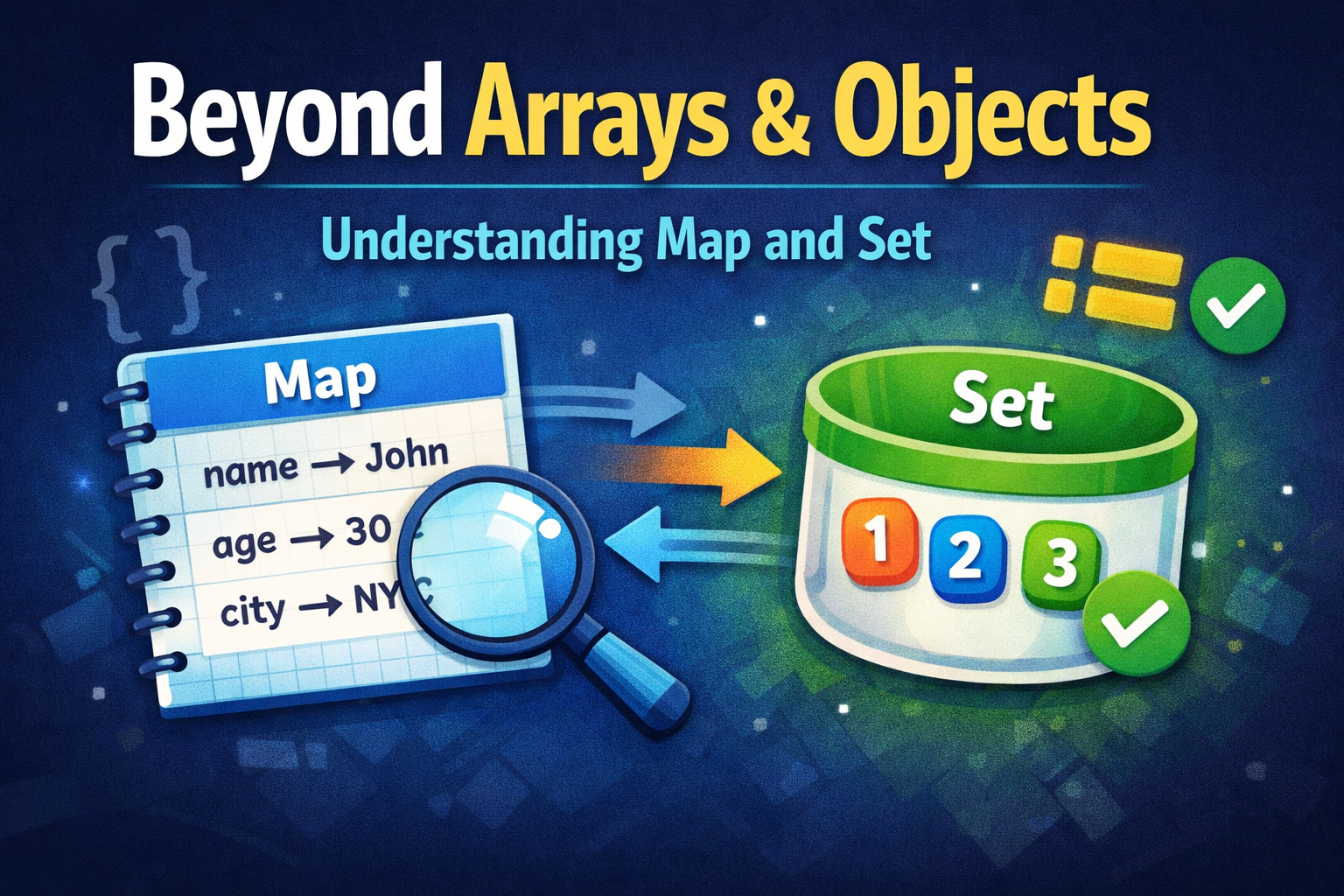
JavaScript Map & Set: Modern Data Structures Explained (^///^)
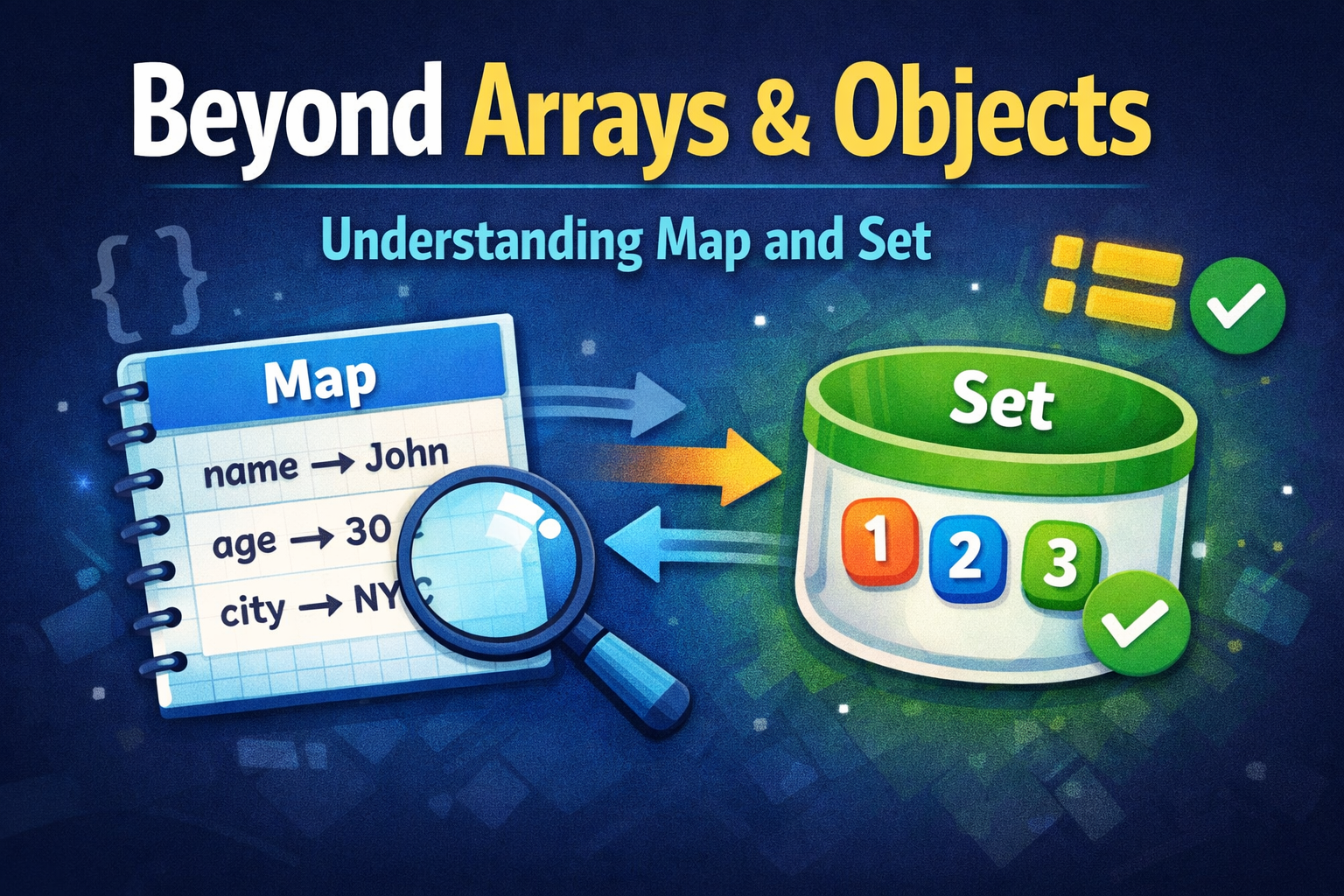
1. The Set: The Uniqueness Enforcer
The Problem with Arrays
Arrays are fantastic for ordered lists. But what happens when you need to ensure every item in that list is completely unique?
Imagine you are building an e-commerce filter, and you are extracting "categories" from a list of 1,000 products. If you use an Array, you'll end up with 400 "Electronics" tags and 600 "Clothing" tags. Historically, filtering out those duplicates required writing clunky loops or .reduce() functions.
Enter the Set
A Set is a collection of values where each value may occur only once. It is the ultimate bouncer for your data.
If you try to add a duplicate value to a Set, it simply ignores it. No errors, no fuss.
JavaScript
// ❌ The Old Way: Complex Array Filtering
const rawTags = ["react", "node", "react", "css", "node"];
const uniqueTagsOld = rawTags.filter((item, index) => rawTags.indexOf(item) === index);

// ✅ The Senior Way: Using a Set
const uniqueTagsNew = [...new Set(rawTags)];
// Output: ["react", "node", "css"]
Notice how we used the Spread operator (...) from our previous article to instantly unpack the Set back into a standard Array!
Difference Between Set and Array
Duplicates: Arrays allow them; Sets strictly forbid them.
Searching: Checking if an item exists in a massive Set using
mySet.has(value)is significantly faster than searching an Array withmyArray.includes(value).Access: You cannot access Set items by an index number (e.g.,
mySet[0]does not work).
When to use a Set: Whenever you need to maintain a unique list of items (user IDs, tag names, active filters) or when you need lightning-fast "does this exist?" lookups.
2. The Map: The Ultimate Dictionary
The Problem with Objects
Objects are the default way we store key-value pairs. However, traditional Objects have a massive structural flaw: Object keys must be Strings (or Symbols). If you try to use a number, an array, or another object as a key, JavaScript will silently convert it into a string. This is exactly what caused my analytics bug years ago. Furthermore, finding the "size" of an object is annoying (Object.keys(obj).length), and objects don't always iterate in the exact order you created them.
Enter the Map
A Map is a pure, specialized key-value data structure. Its superpower? Absolutely anything can be a key.
You can use an entire user object as a key to store their specific session data, without mutating the original user object!
JavaScript
const userJohn = { name: "John Doe", id: 101 };
const userJane = { name: "Jane Smith", id: 102 };

// 1. Create the Map
const userSessionData = new Map();

// 2. Set data: The KEY is the actual object, the VALUE is the session string
userSessionData.set(userJohn, "Session active: 45 mins");
userSessionData.set(userJane, "Session active: 12 mins");

// 3. Retrieve data using the object reference
console.log(userSessionData.get(userJohn));
// Output: "Session active: 45 mins"

// 4. Getting the size is built-in and instant
console.log(userSessionData.size); // Output: 2
Difference Between Map and Object
Key Types: Object keys are Strings/Symbols. Map keys can be anything (Arrays, Functions, Objects, DOM Elements).
Size: Maps have a built-in
.sizeproperty. Objects require manual calculation.Iteration: Maps are guaranteed to maintain the exact insertion order of their keys, making them highly predictable to loop over.
Performance: Maps are highly optimized for scenarios involving frequent additions and removals of key-value pairs.
When to use a Map: When your keys are not strings at runtime, when you are frequently adding/removing data (like a caching system), or when you need to attach temporary metadata to an object without permanently altering that object.
The Takeaway: Choose the Right Tool
Arrays and Objects are not bad. They are still the backbone of JSON and web data transfer. You will still use them for 80% of your daily tasks.
But engineering is about knowing exactly which tool fits the specific problem.
Need an ordered list? Use an Array.
Need a list of strictly unique items? Use a Set.
Need a static record of data? Use an Object.
Need a dynamic, high-performance dictionary with complex keys? Use a Map.
Stop forcing Arrays and Objects to do jobs they weren't designed for. Master Map and Set, and watch your data architecture become cleaner, faster, and much less prone to bugs.